Your renders.
Photorealized and in motion.
Photorealize your renders — then put them in motion. Turn flat 3D renderings, SketchUp exports, Midjourney concepts, or architect renderings into a cinematic Property Tour or a photorealistic Aerial Project.
Free first render · No credit card required
Pick the deliverable. We'll handle the pipeline.
Same rendering source, two very different outputs — for two very different moments in a project's life.
Property Tour from renderings
Upload your interior renders — SketchUp, Blender, CAD, Midjourney, or your rendering studio's output. PurFrame photorealizes each render into a photographic still with true lighting and materials, then stitches them into a cinematic Property Tour with an optional lifestyle actor.
- Renders photorealized frame-by-frame
- Cinematic camera movement between rooms
- Photorealized stills delivered with the video
Aerial Project from exterior render
Working on a spec home or a proposed development? Upload your exterior architectural rendering. PurFrame photorealizes it, then generates cinematic aerial photos and video around the structure — as if a drone flew a site that hasn't been built yet.
- Daytime, sunset, twilight lighting from one render
- Wide reveals, close approaches, top-downs
- Aerial photos and video in one delivery
Flat render to photoreal cinematic.
Upload your flat CAD renders. PurFrame realizes each one into a photorealistic still with natural lighting and materials, then stitches them into a cinematic walkthrough — with an optional lifestyle actor for scale. Every export includes the realized stills alongside the final video.
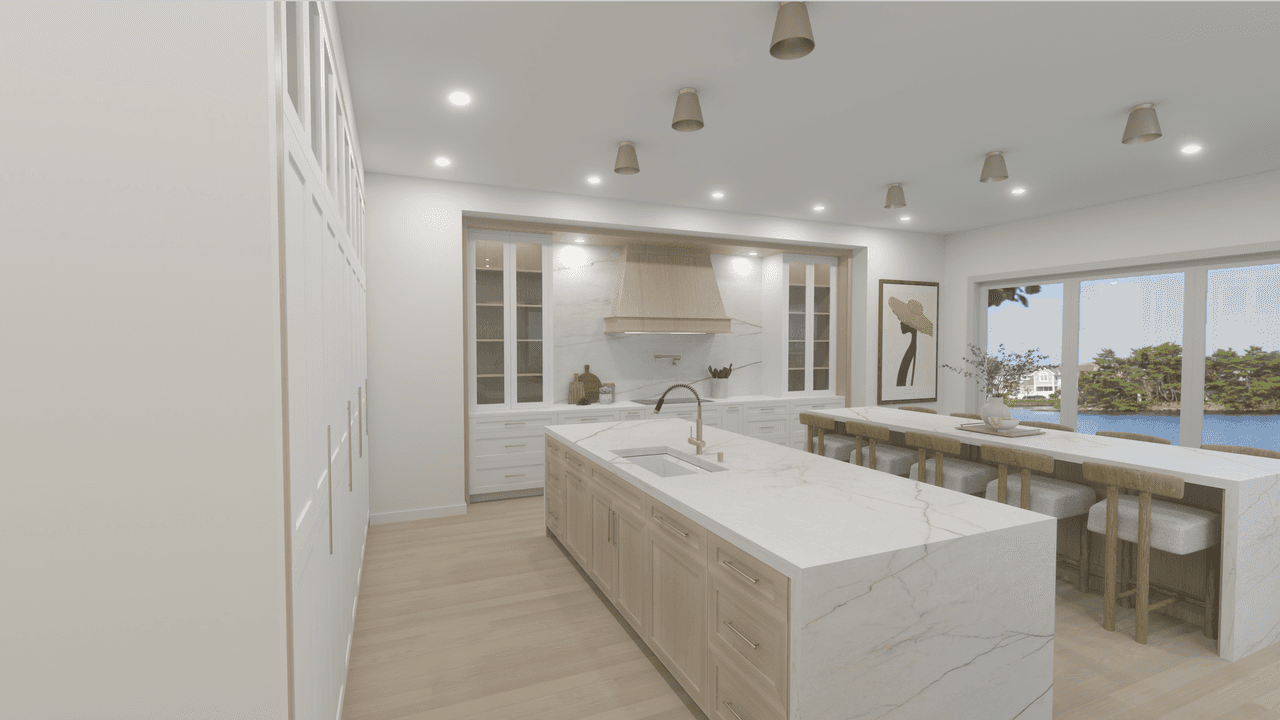
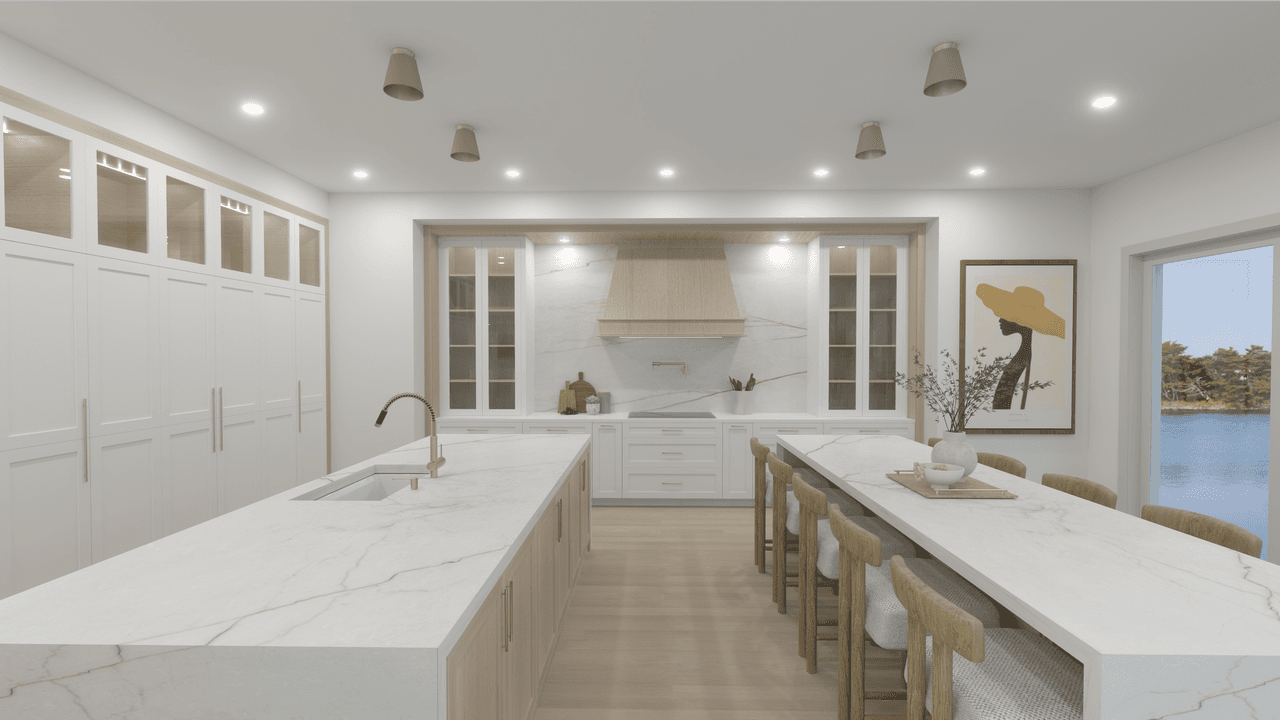
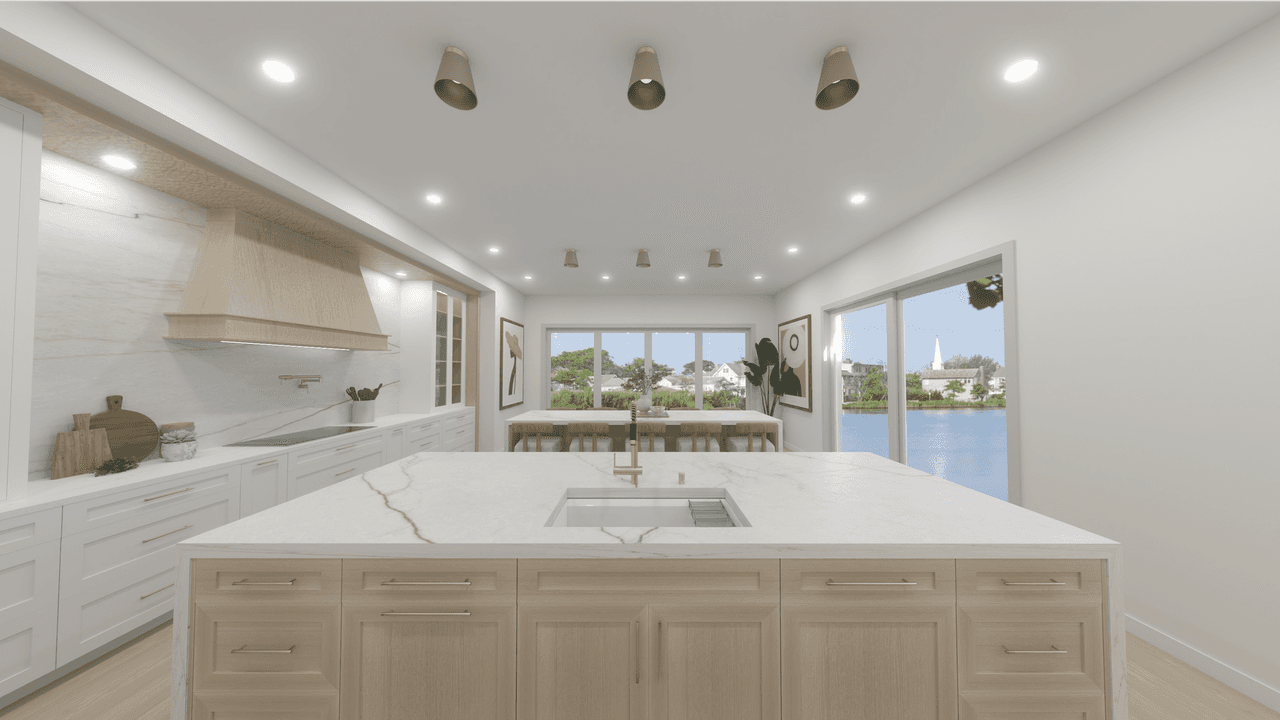
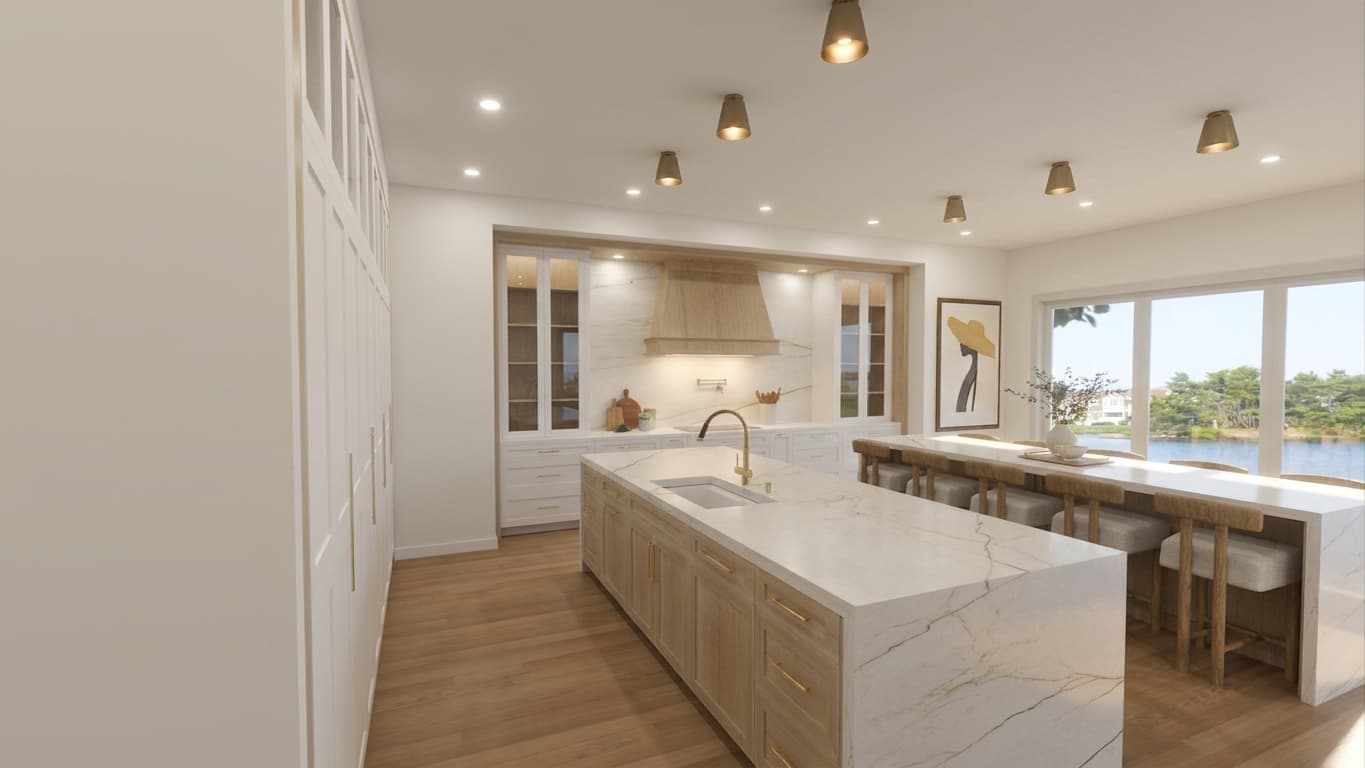
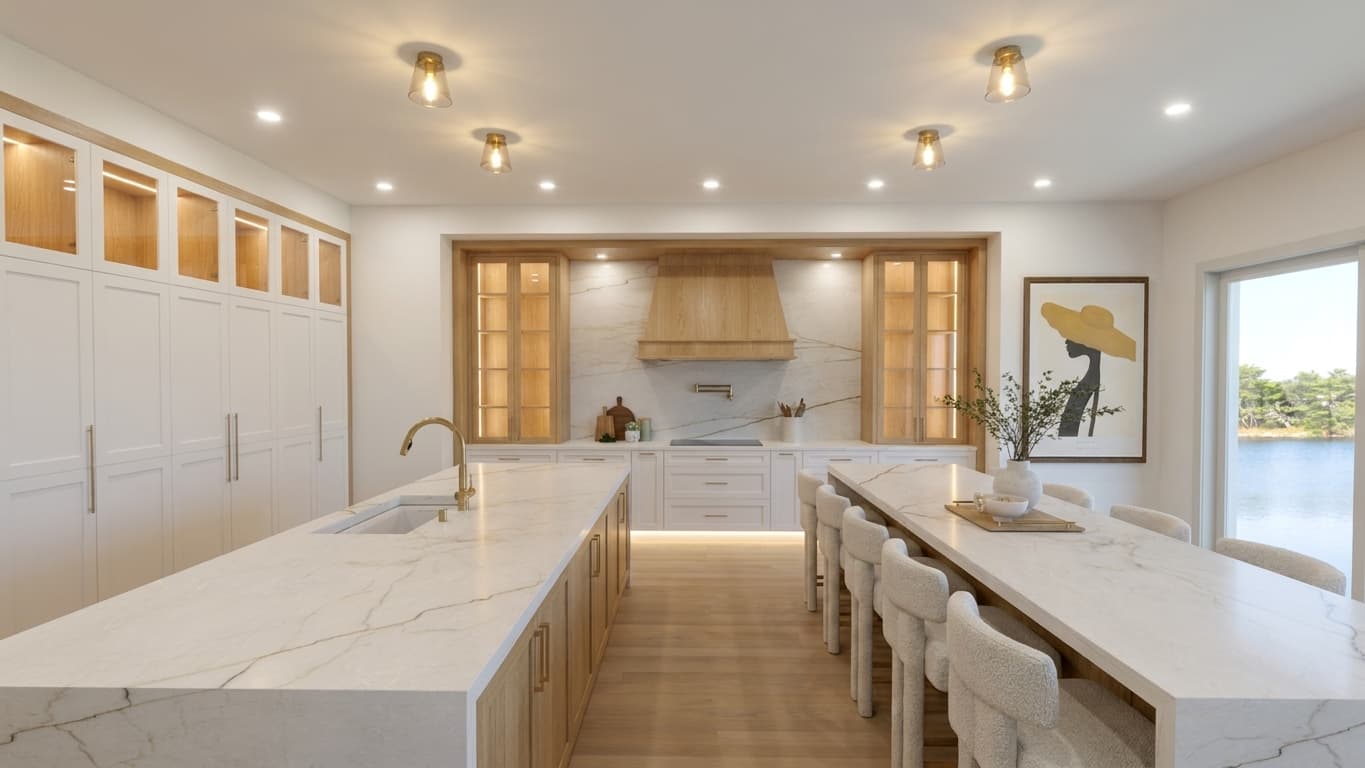
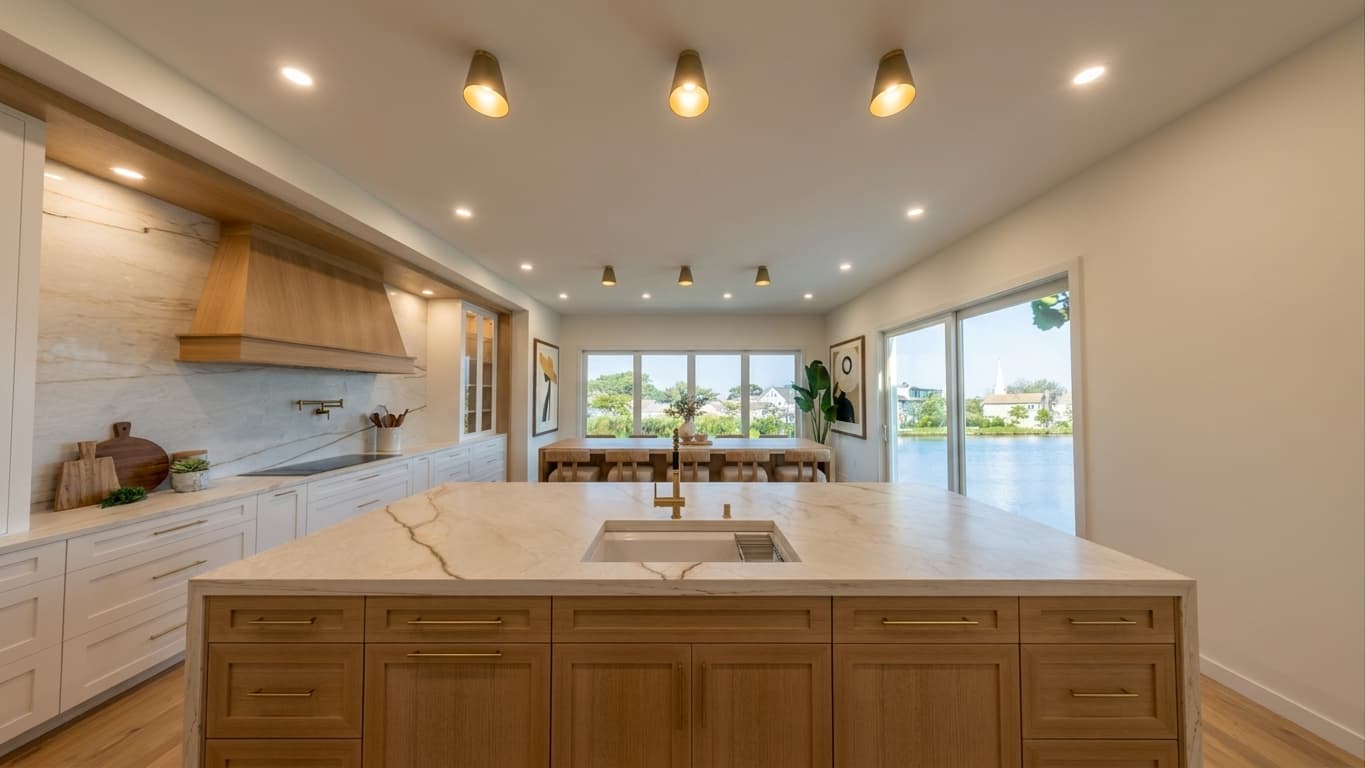
Render in. Photoreal motion out.
Upload your renders
Any high-res render works — SketchUp, Blender, Lumion, V-Ray, Enscape, CAD exports, Midjourney, or your rendering studio's deliverable. PNG or JPG, ideally 1920×1080 or larger.
Photorealize each frame
Our pipeline realizes each render into a photographic still — true lighting, real surface materials, sharp geometry. Straight lines stay straight; window light stays where you put it.
Cinematic motion
Interior renders become a Property Tour with cinematographer-grade camera moves between rooms. Exterior renders become an Aerial Project with real drone-style camera work.
Built for the physics of light and space.
Generic AI video generators warp straight lines and hallucinate architecture. PurFrame was engineered specifically for the built environment — every camera move respects real spatial geometry, and every photorealized frame respects the lighting you designed.
Any source, one pipeline
Flat SketchUp exports, Midjourney concept art, V-Ray output, Enscape stills — all work as input.
Cinematographer-grade camera work
Tracking shots, drone-style sweeps, and slow reveals that highlight your design intent.
Photorealized stills in every export
You get both the realized photorealistic stills and the final cinematic video.
Made for the moment before real photography exists.
Pre-construction. Pre-shoot. Pre-finish. When all you have is the design.
Architects & Firms
Pitch concepts and win bids with the built vision in motion — before the drywall is up.
Interior Designers
Show the mood and materials of a proposed scheme, not just a flat swatch board.
Custom Builders & Developers
Sell spec homes and pre-construction inventory with the aerial + tour package buyers expect.
Rendering Studios
Add motion as an upsell to every render deliverable. Same source files, higher-margin package.
Real Estate Marketers
Get renders from a listing's virtual staging vendor? Feed them straight in — no reshoot needed.
Property Developers
Show investors and buyers what the site looks like from every angle before groundbreaking.